
Legal intake and education software often leaves individuals and small businesses confused on next steps by hiding guided intake tools and plain-language resources behind trial fees or complicated navigation. Some platforms charge unexpected subscription costs for basic document creation or produce inconsistent results when matching users with independent attorneys. This comparison covers intake features, document handling, educational content, and attorney search options so you can select a platform that organizes your facts and fits your budget without committing to a retainer upfront.
Table of Contents
Lexura

At a Glance
No attorney-client relationship is formed on the platform unless you actively choose to consult an attorney, which keeps early research private and fee-free. Lexura pairs AI-powered legal triage with free educational content and tools to help you sort facts and find independent lawyers in the United States.
Core Features
-
Guided intake tools that help you organize dates, witnesses, documents, and the legal issues that matter most.
-
Free legal education across common topics so you can read a plain-language overview before contacting counsel.
-
Search and match for independent attorneys by location and practice area, plus transparent flat-rate options listed for some services.
-
Secure document handling and privacy protections to keep your notes and uploads separated from any attorney relationship until you opt in.
-
Subscription options for professionals and organizations that want faster processing and branded intake workflows.
Key Differentiator
Combines AI-powered legal triage with transparent, no-cost educational resources and independent attorney connections. That mix is aimed at people who want to understand and organize their situation first, then decide whether to pay for a consultation.
Pros
-
Free educational overviews make common legal topics accessible without an initial fee, which lowers the barrier to starting a case review.
-
Structured intake turns scattered notes into a compact summary you can hand to an attorney, saving time in an initial consult.
-
The attorney listings emphasize independence; lawyers on the platform are not employees of Lexura, preserving neutral introductions.
-
Privacy-first design and secure document handling reduce the friction of uploading sensitive records while you research options.
-
Subscription tiers for professionals mean organizations can deploy consistent intake and education materials to employees or clients.
Cons
- Lexura does not give legal advice or create an attorney-client relationship unless you choose to consult an attorney, so you will need to hire counsel for representation.
Who It's For
If you are in the United States and want to get clear about rights and possible next steps without committing to a lawyer right away, Lexura fits that need. It is useful when you need to collect facts, read reliable overviews, and compare independent attorneys before paying for advice.
Unique Value Proposition
Guided intake that produces a shareable case summary is the platform’s practical advantage. You get an organized packet to show to multiple lawyers, which reduces repeated explanations and speeds decision making when you do seek paid counsel.
Real World Use Case
After a rear-end collision, a user follows Lexura’s guided questions, uploads photos and the police report to the secure intake, reads a short primer on personal injury statutes in their state, and then searches for local attorneys who offer flat-rate consults. The user contacts a lawyer with the organized packet ready, and no attorney-client relationship existed until they accepted the consult.
Website: https://justicebridgetechnologies.com
Rocket Lawyer
At a Glance
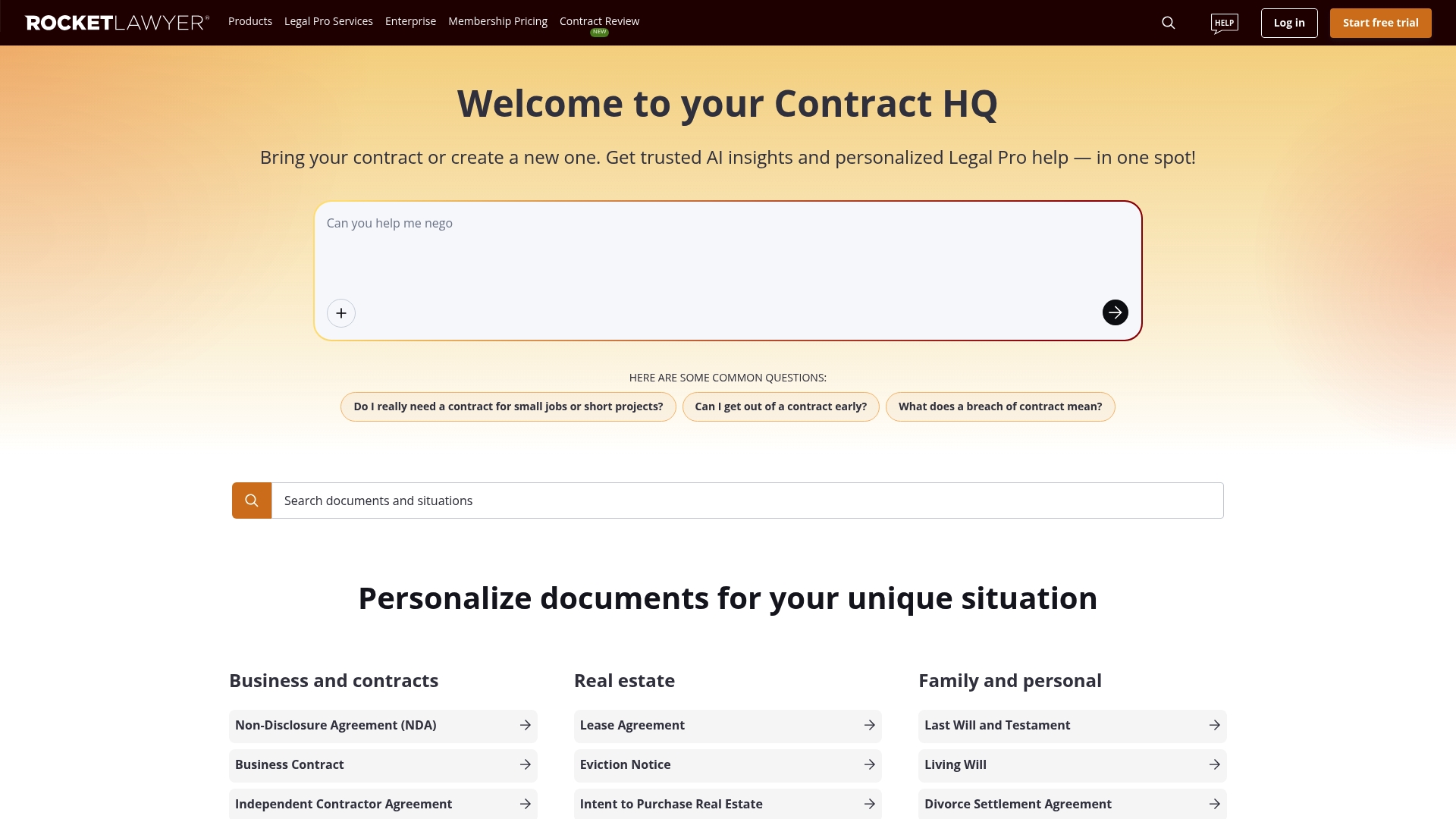
The vendor reports more than 20 million businesses and individuals have used Rocket Lawyer's services, a self-reported scale that shapes its pricing and support model. The product pairs document templates with on-demand attorney access and AI review, aimed at lower-cost, frequent legal needs.
Core Features
- Create, review, and e-sign personalized legal documents using guided questionnaires and downloadable templates.
- AI-powered contract review that highlights clauses and suggests plain-language explanations for common risks.
- Business registration and filing services for LLCs and corporations, plus trademark filing assistance in some jurisdictions.
- Legal reminders and ongoing compliance tools to track renewal dates and document expirations.
Key Differentiator
The platform combines automated document assembly with access to licensed professionals and AI review in one workflow. That blend lets a small business draft a contract, run the AI check, and then pay for a short attorney consultation if questions remain.
Pros
- Easy document creation. The guided questionnaires reduce form errors and speed up first drafts for contracts, wills, and NDAs.
- Cost control for routine tasks. Subscription and per-document options let you choose a cheaper path for frequent filings.
- Helpful support in many cases. Customer service and attorney connections shorten the time from draft to filing for common business needs.
- Built-in e-signatures and reminders remove extra steps when onboarding employees or signing vendor agreements.
Cons
- Subscription and trial billing has produced confusion for some users, with reports of unexpected charges and disputed credits.
- Cancellation flows can be unclear, which increases follow-up time when you try to stop a paid plan.
- Trademark filing and certain specialized services have attracted complaints about expectations versus outcome.
- Messaging around free features has generated occasional user frustration when terms are not immediately obvious.
When It May Not Fit
If you need bespoke litigation strategy or extended counsel on high-stakes matters, this platform is not a replacement for retained counsel. If you cannot tolerate billing ambiguity, the subscription and trial mechanics here may cause friction. For complex trademark disputes, expect to consult a specialist law firm.
Who It's For
Small business owners, entrepreneurs, and individuals who handle frequent, predictable legal tasks and want a lower-cost starting point. Good for people who prefer do-it-yourself drafting with the option to buy short attorney time for clarification.
Real World Use Case
A startup uses Rocket Lawyer to draft employment agreements, incorporate as an LLC, and run a quick AI review on vendor contracts before seeking a one-hour attorney consultation. That sequence saves legal hours while keeping key decisions reviewed by a licensed professional.
Pricing
Plans start at $12.41/month billed annually for the Standard plan, with higher tiers such as Plus and Pro that add more attorney support and features. A free trial is offered so you can test document creation and basic tools before committing.
Website: https://rocketlawyer.com
LegalZoom
At a Glance
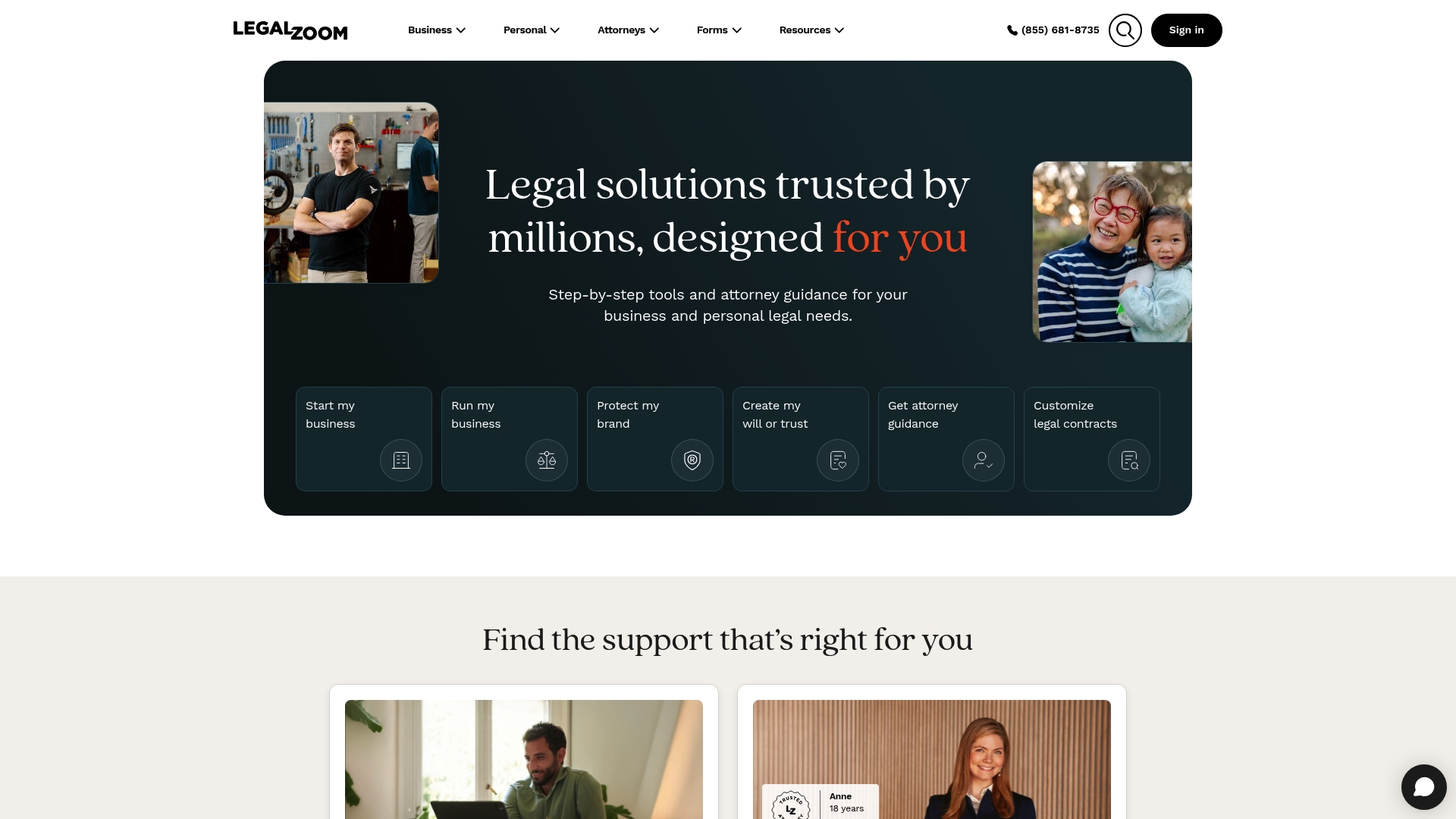
Flat fees paired with on-demand access to vetted attorneys is LegalZoom's central hook. The vendor reports millions of users worldwide, and the platform mixes self-service document builders with optional attorney support so you can avoid full retainer costs while getting guided help.
Core Features
- Self-service legal document templates for entity formation, estate planning, and IP filings, driven by online questionnaires that walk you through required fields.
- Guided interview tools that translate answers into downloadable forms and filings rather than forcing manual form entry.
- Access to vetted attorneys for follow up advice, document review, or discrete consultations when you want a human touch.
- Business formation and compliance services including LLC and corporation filing, registered agent, EIN assistance, and operating agreements.
- Trademark search, registration help, and estate planning documents such as wills and powers of attorney.
Key Differentiator
What sets LegalZoom apart is the pairing of a user friendly document workflow with affordable, flat fee options and attorney access. For many small business owners that mix of DIY tools and paid attorney consultations reduces friction and gives a clear path from forms to legal support.
Pros
-
Helpful customer support and staff who often smooth the process for first time filers. That responsiveness makes the experience feel less like a form factory and more like guided service.
-
Transparent flat fee structure helps you budget for common tasks. You see a fixed price for formation packages and many personal legal services instead of an open hourly estimate.
-
Wide service scope for small businesses. Formation, compliance, trademark help, and estate documents live in one dashboard so you do fewer context switches.
-
The guided questionnaires reduce mistakes for people unfamiliar with legal forms. That lowers the chance you file an incomplete or incorrectly filled document.
-
Online tracking and dashboards let you follow filing status without repeated phone calls.
Cons
-
Some users report technical problems and slow responses on complex requests. Expect occasional delays if a matter requires manual review or escalation.
-
Parts of the service rely on outsourced support. That can cause uneven quality in attorney handoffs or concierge assistance for specialized tasks.
-
Certain specialized services, for example complex trademark strategies or property deed work, can end up costing more than advertised or require additional outside counsel.
-
Outcomes for complex legal matters are not guaranteed and some customers report unfinished or slow resolutions for tricky filings.
When It May Not Fit
If you need full litigation representation or highly specialized legal strategy, LegalZoom is not the right choice. Complex disputes and court-side advocacy still require a retained law firm that can commit to discovery, motions, and courtroom work over months or years.
Who It's For
Individuals and small business owners who want affordable, predictable pricing for routine legal tasks and prefer a guided online workflow. Good for founders forming an LLC, families preparing basic estate documents, or entrepreneurs starting a trademark process.
Real World Use Case
A startup founder uses LegalZoom to form an LLC, get an EIN, and begin a trademark search. The guided questionnaires produced the filing documents, then the founder booked a brief attorney review to confirm choices and reduce risk before submitting official forms.
Pricing
LegalZoom uses a flat fee pricing model for most services. Specific costs vary by the type of filing and the level of attorney involvement, so expect a base package price with optional paid add ons for expedited handling or attorney reviews.
Website: https://legalzoom.com
LawDepot
At a Glance
LawDepot's marketing materials state it has helped create more than 20 million legal documents and that users saved over $3 billion in legal fees. That document and savings claim highlights why many people choose a self-serve document route.
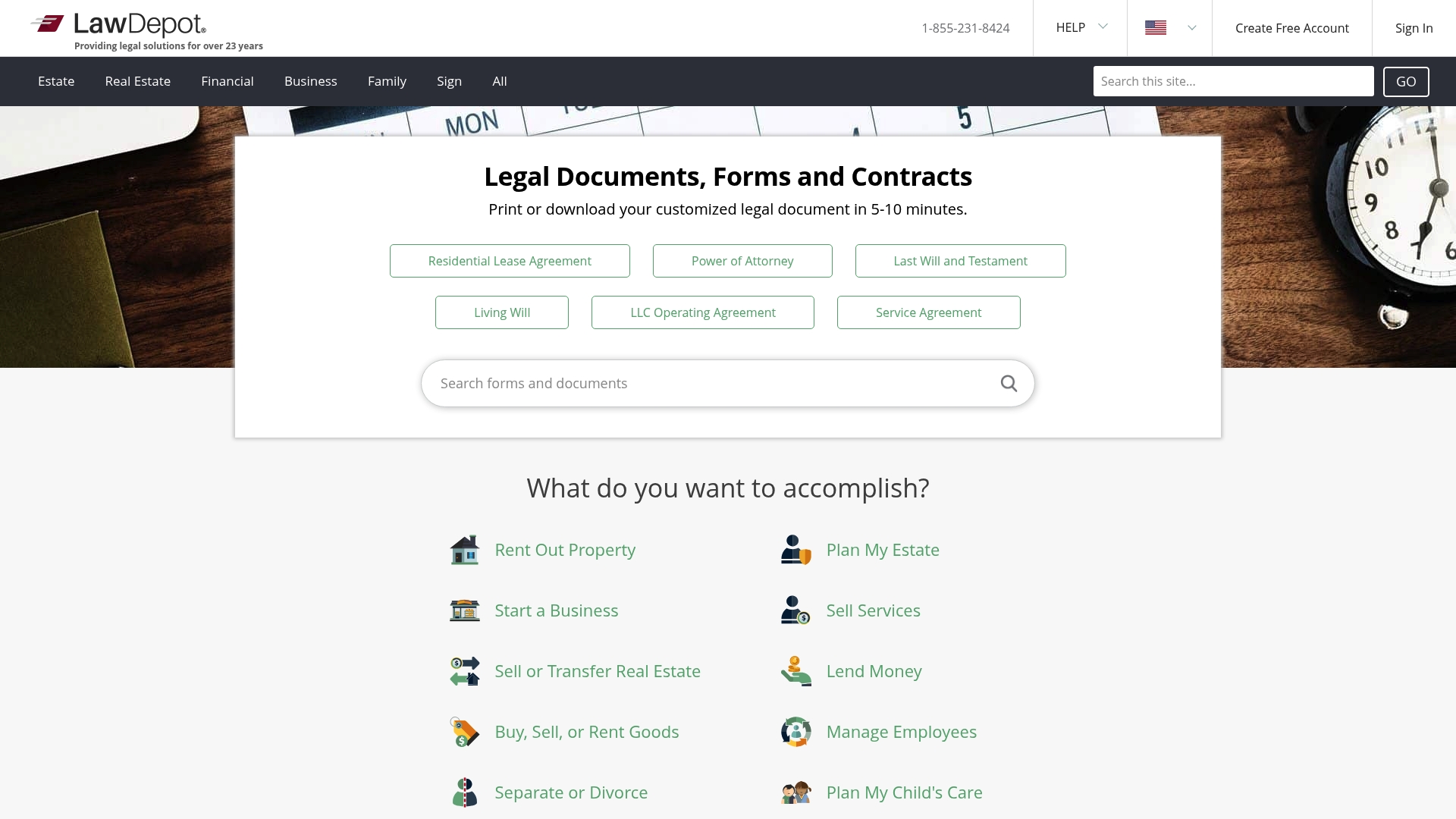
The site focuses on fast, guided document generation for routine needs across estate planning, real estate, business, and family law.
Core Features
- Extensive library of attorney sourced templates covering wills, leases, NDAs, and more.
- Guided questionnaire that customizes language based on your answers so documents are ready to download quickly.
- Secure storage and sharing with options to print and distribute documents digitally.
- Simple interface designed for nonlawyers to complete forms without advanced legal knowledge.
Key Differentiator
LawDepot combines templates sourced by practicing attorneys with a step by step guided process, which reduces drafting time for common forms. That pairing is the platform's main angle and is aimed at people who want a clear path from questions to a finished document.
Pros
- User friendly site: Navigation and the guided flow let you finish basic documents in a single session.
- Helpful template variety for personal and small business needs so you rarely need to search multiple sites.
- Self serve model saves money compared with hiring a lawyer for routine documents and supports repeat use.
- Responsive customer support is available for account and technical questions according to user reports.
- Flexible customization lets you adjust clauses and then download editable copies for record keeping.
Cons
- Pricing transparency issues: Some users report unexpected charges and confusing renewal terms for subscriptions or trials.
- Document handling problems appear in a minority of reports, including difficulty saving, editing, or printing certain files.
- Customer support quality varies, with some accounts of slow or unhelpful responses when complex issues arise.
When It May Not Fit
LawDepot is not appropriate if you face a complex legal matter that requires tailored advice or courtroom representation. The service focuses on templates and cannot replace individualized legal counsel.
Avoid it when your issue involves unusual facts, high stakes litigation, or regulatory compliance that must be interpreted by an attorney.
Who It's For
Individuals, landlords, and small business owners who need affordable, customizable legal documents without hiring a lawyer. It fits people comfortable using guided forms and who want to handle routine agreements themselves.
Real World Use Case
A small business owner uses LawDepot to produce employment agreements, nondisclosure agreements, and contractor contracts. The guided forms speed up onboarding paperwork and create consistent templates the owner reuses for new hires.
Pricing
The product data lists pricing as not applicable and informational only. Visit the site for current subscription and pay per document options because pricing offers and trials can change.
Website: https://lawdepot.com
VERDICT
At a Glance
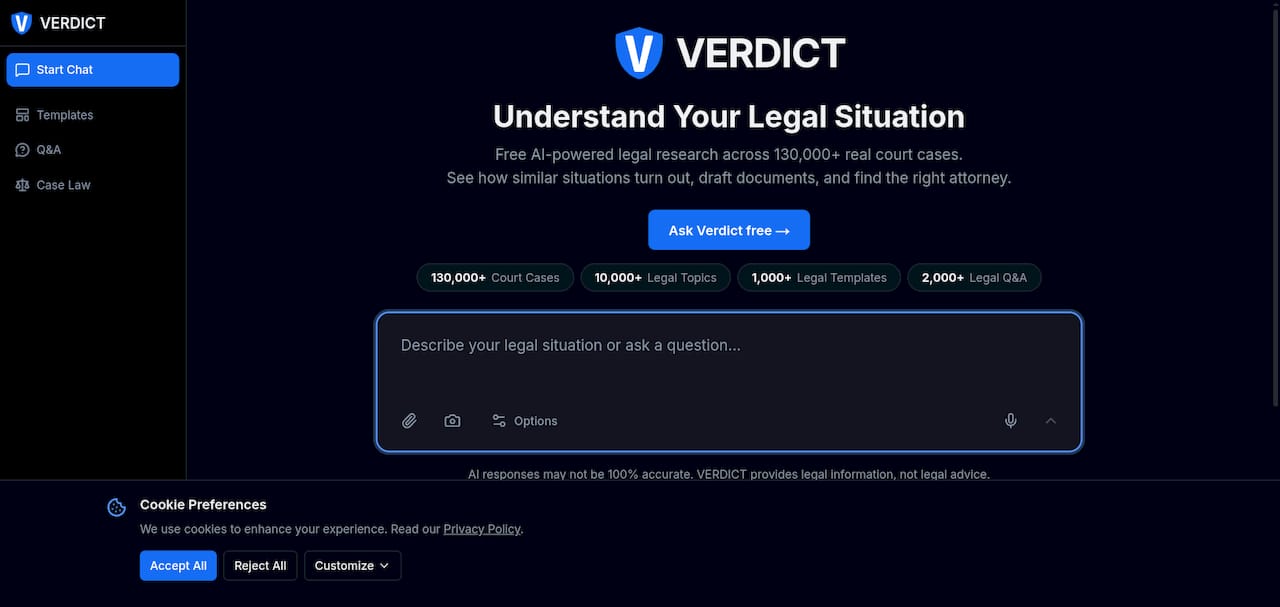
VERDICT's marketing materials claim free legal research across 130,000+ court cases. The platform combines case search, document drafting, public filing lookup, and attorney discovery in a single interface. It states clearly that the information is educational only and does not create attorney-client relationships.
Core Features
A concise set of research and drafting tools built for self-directed users and small practices.
- Free legal research across a large indexed case library, including opinions and filings.
- Tools to draft legal documents and letters from templates tailored to common scenarios.
- Search for public court records and filings by party, docket, or case number.
- Attorney finder organized by practice area and location for follow-up consultations.
Key Differentiator
The platform pairs searchable court records with on-site drafting and attorney search on a single free tier. That combination makes it easier to move from researching a legal precedent to producing a draft letter and then locating counsel, all without switching services. The integrated workflow is the primary angle that sets VERDICT apart.
Pros
- Comprehensive case access: the platform aggregates court materials and templates so you can trace legal precedent and draft a response without hunting multiple public sites.
- Cost entry point: a usable free tier lets individuals start research and generate basic documents before deciding on a paid plan.
- Attorney connection: built-in search helps you find local lawyers by practice area, simplifying next steps after research or drafting.
- Template library: ready-made letters and form templates shorten the time to produce a demand letter or basic pleading.
- Useful for nonlawyers: the drafting tools and linked case examples help people learn how similar matters were framed in court.
Cons
- Not legal advice: the site provides information only and does not form attorney-client relationships, which limits its use for case strategy.
- Sparse third-party validation: there is limited detail available from independent reviews or satisfaction metrics to confirm reliability at scale.
- Subscription trade-offs: paid tiers expand features, and recurring costs starting at the stated entry price may add up for heavy users.
- Feature overload risk: casual users seeking a single template might find the broader research interface more complex than necessary.
When It May Not Fit
If you need personalized legal counsel or confidential attorney guidance, this is not a substitute for a consultation. Law firms that require formal research memos with citations validated to court records may prefer commercial legal research platforms with editorial curation and firm licensing. Budget-conscious users should evaluate whether the subscription tiers match their ongoing need for document drafting.
Who It's For
Individuals handling straightforward disputes, people preparing to meet with counsel, and small legal practices that want a low-cost research and drafting companion. It fits users who can self-educate from primary sources and templates before engaging paid counsel.
Real World Use Case
A homeowner facing a property boundary dispute searches related cases on VERDICT, pulls a relevant opinion for citation, drafts a demand letter from a template, then locates a local property attorney for a paid consultation. The sequence reduces the attorney’s intake time and clarifies initial issues before a paid meeting.
Pricing
VERDICT offers a free tier with core search and template access and reports tiered paid plans starting at $8 per month. The subscription model unlocks expanded features and more document options for users who outgrow the free layer.
Website: https://verdict.com
FindLaw
At a Glance
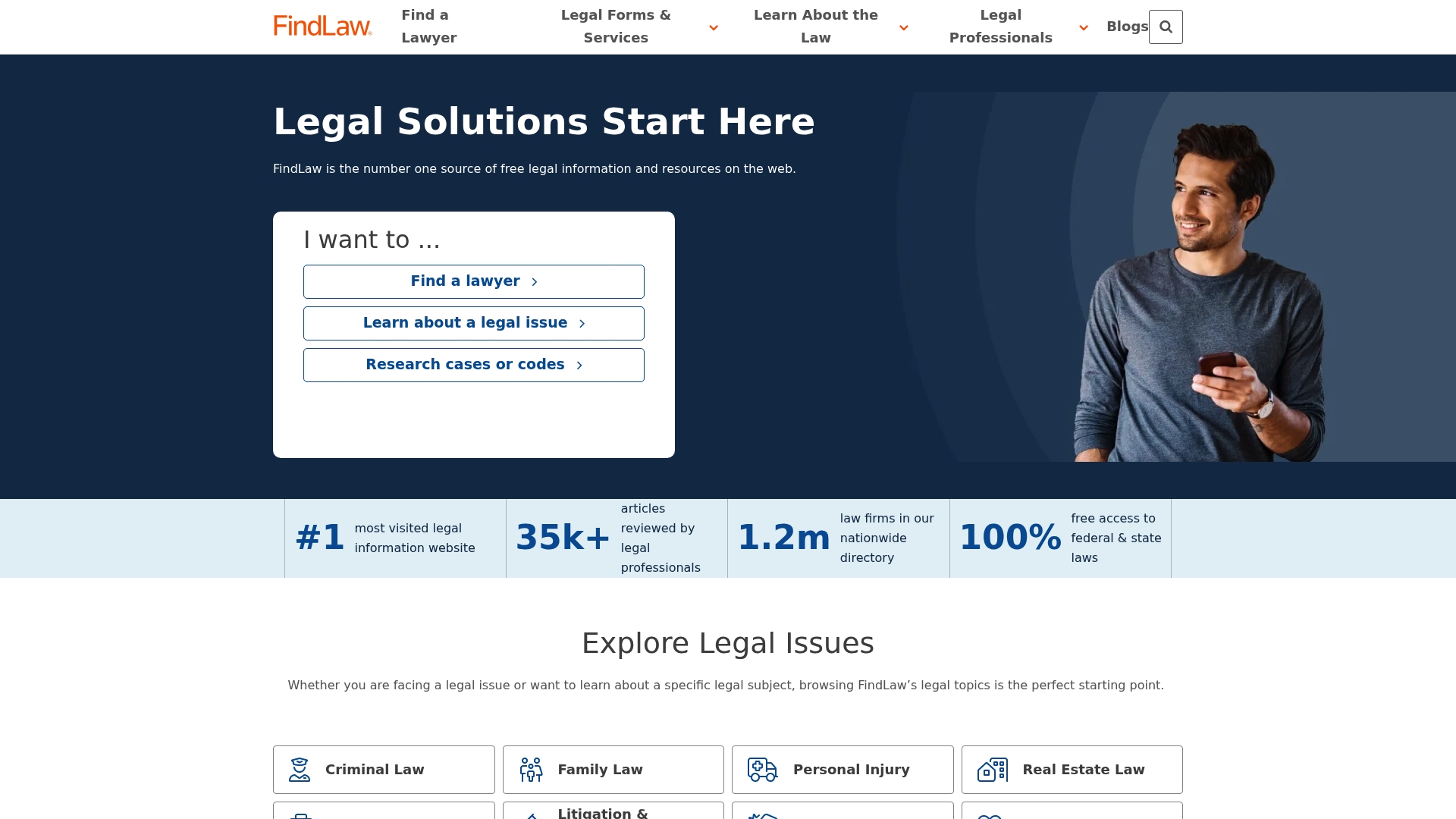
FindLaw's directory reportedly lists over 1.2 million law firms and attorneys, according to the company, and its editorial archive is said to include about 35,000 reviewed articles. That combination pairs a searchable legal library with a large attorney marketplace, all on one site.
Core Features
- Vast legal reference library covering federal and state statutes, case law, and topic guides for consumers and professionals.
- An online attorney directory tied to firm profiles and practice areas that supports localized searches.
- Free access to legal forms and practical guides for estate planning, business formation, and common consumer issues.
- Professional resources for law firms including marketing services and client acquisition tools.
Key Differentiator
FindLaw's stated angle is the union of a free legal information portal with an expansive attorney directory and optional marketing services. The platform aims to be a single place where someone researching a legal problem can read a guide, grab a form, and search for nearby counsel without leaving the site.
Pros
- Trusted information repository. The editorial volume above gives readers searchable background material across many common legal topics.
- Large referral pool. That directory figure supports broad geographic coverage when you need local counsel or want to compare firms.
- No-cost legal content. Consumers can read statutes and topic articles without paying, which helps when you just need direction before contacting counsel.
- Practical forms and how-to guides. The site includes templates for estate planning and business formation that save time for DIY users.
- Dual audience focus. FindLaw addresses both consumers and legal professionals so a firm can appear where potential clients already look.
Cons
- Mixed reports on marketing value. Third-party reviews cite poor lead quality and difficulty getting a positive return on marketing spend.
- Account management complaints. Several reviewers report trouble canceling services and ongoing charges after they requested pauses or termination.
- Cost concerns. Marketing and lead generation offerings are described as expensive relative to results in many outside reviews.
- Noise in referrals. Firms that rely solely on volume-based leads may see a high number of unqualified inquiries.
When It May Not Fit
If your firm needs guaranteed high-quality leads or responsive account service, FindLaw's marketing packages may underdeliver based on the limitations noted above. Solo attorneys or small firms prioritizing predictable, vetted referrals should vet lead samples before committing.
Who It's For
Consumers who want quick, free access to legal articles, statutes, and basic forms will find a lot to use. Law firms wanting broad visibility and a one-stop place for marketing may try FindLaw, but they should budget for experiments and closely monitor lead quality.
Real World Use Case
A person researching family law reads a FindLaw article about custody basics, downloads a sample parenting plan, then uses the directory to shortlist nearby family lawyers. A mid-sized firm lists its practice and tests the platform's marketing services while tracking lead conversion closely.
Pricing
Pricing for FindLaw's legal marketing and lead generation services is reported as high in third-party commentary, and the vendor does not publish clear public fee ranges. Several reviews mention ongoing charges that continued after cancellation requests.
Website: https://findlaw.com
Comparative Analysis
JusticeBridgeTechnologies and its competitors in legal intake and education platforms express diverse approaches while employing distinct mechanisms to connect individuals with necessary legal resources. Here, we discuss further comparative observations to aid decision-making.
Integration of Educational Content with Intake Features
JusticeBridgeTechnologies emphasizes a privacy-centric design paired with AI capabilities to facilitate individual exploration before engaging legal counsel. In comparison, competitors vary in their approaches: Lexura provides structured intake workflows that help users organize relevant case information beforehand, valuable for simplicity during consultations. Rocket Lawyer excels in merging document creation with attorney access, offering flexibility for tasks like employment agreements. Specifically, Lexura leads in enabling individuals to compile and contextualize their legal situation before incurring any cost, presenting meticulous intake flows as a compelling early-stage advantage.
Cost Transparency and Subscription Models
A significant factor is cost presentation. JusticeBridgeTechnologies' privacy-first environment avoids hidden charges by clearly displaying options upfront, a feature echoed by Lexura. Rocket Lawyer and LegalZoom face critiques regarding miscommunication of billing structures—an aspect not observed in JusticeBridgeTechnologies or its comparable outlet, Lexura. LawDepot offers broad document generation under a subscription that some users reported issues with concerning clarity in renewal terms. Transparency in pricing tiers clearly benefits JusticeBridgeTechnologies users in estimating foreseeable expenses without unexpected commitments.
Best Fit
- JusticeBridgeTechnologies is suited for individuals studying their case scenario privately while preparing organized records to expedite professional consultations.
- Rocket Lawyer is recommended for frequent legal task management, especially among small business owners who value AI-assisted document drafting.
- LegalZoom appeals to those requiring flat-fee formation packages with extensive service scope underlined by strong customer support.
- LawDepot is advantageous for users preferring tailored templates without advanced customization needs.
Our Pick
JusticeBridgeTechnologies emerges as an effective option when prioritizing privacy and initial self-directed preparation prior to legal engagement. For individuals requiring specialized long-term legal representation or dynamic subscription models covering extensive ongoing needs, alternatives such as Rocket Lawyer serve more specific use cases.
Legal Intake and Education Software Comparison
Selecting the right legal intake and education software depends on features like guided workflows, educational resources, and third-party service integrations.
| Product Name | Core Feature | Key Differentiator | Best For | Pricing | Notable Limitation |
|---|---|---|---|---|---|
| Justicebridgetechnologies | Guided intake tools | AI-powered legal triage with educational resources | Early legal research without attorney commitment | Not disclosed | No direct legal advice or representation available |
| Rocket Lawyer | Document creation and review | Combined automated documents and attorney access | Routine legal tasks for small businesses | $12.41/month | Confusing subscription and trial billing terms |
| LegalZoom | Self-service document templates | Flat fee structure paired with attorney support | Small businesses forming or filing documents | Not disclosed | Limited support for complex or high-stakes matters |
| LawDepot | Attorney-customized templates | Guided questionnaire for legal document drafting | DIY users preparing repeated agreements | Not disclosed | Transparency issues with subscription renewals |
| VERDICT | Large indexed case library | Workflow combining case search and drafting | Property owners resolving disputes | $8/month | Sparse validation and detailed reviews are uncommon |
| FindLaw | Legal reference and attorney directory | Attorney directory with integrated legal guides | Firms seeking directory visibility | Not disclosed | Mixed reports on marketing and lead generation ROI |
Discover a Smarter Approach to Your Legal Needs Beyond FindLaw.com Alternatives
If researching legal options feels overwhelming or if you want clarity without upfront costs, Justicebridgetechnologies offers a distinctive solution through Lexura. This platform helps you organize facts with guided intake tools and access free legal education. You decide when and if to connect with independent attorneys, avoiding pressure and preserving your privacy.
Key benefits include:
- No attorney-client relationship until you choose consultation
- Transparent, secure document handling
- Educational resources to understand your legal situation better
Explore how Lexura can simplify your legal questions and take control of your options today. Use guided intake to prepare a clear case summary before contacting an attorney and bring confidence to your next legal step.
Visit Justicebridgetechnologies now and gain free access to educational content that empowers your decision-making.
Frequently Asked Questions
How does Justicebridgetechnologies help with legal intake organization?
Justicebridgetechnologies offers guided intake tools to help users collect and organize essential information such as dates, witnesses, and documents. This feature streamlines the process of preparing for consultations with lawyers, making it easier to provide clear and concise information. Users can expect a structured summary that simplifies communication with potential legal counsel.
What is the difference between Justicebridgetechnologies and Rocket Lawyer?
Rocket Lawyer excels in providing on-demand attorney access along with document creation and review, making it suitable for users who need frequent legal document assistance. In contrast, Justicebridgetechnologies focuses on AI-powered legal triage and educational resources to organize legal issues before consulting an attorney. Choose Justicebridgetechnologies if you want to understand your situation first without upfront costs.
Can I use Justicebridgetechnologies if I am seeking legal information without immediate consultation?
Yes, Justicebridgetechnologies is designed for individuals wanting to research their legal options without forming an attorney-client relationship upfront. The platform offers free educational content that can help clarify legal topics before any commitments are made, making it a lower-pressure way to start your legal inquiry.
How does Justicebridgetechnologies ensure privacy during the legal intake process?
Justicebridgetechnologies prioritizes privacy by employing secure document handling and keeping all uploads separate from any attorney relationships until users decide to consult a lawyer. This ensures that sensitive information remains confidential, allowing users to research without concerns about their data being shared prematurely.
What pricing options does Justicebridgetechnologies offer for legal professionals?
Justicebridgetechnologies provides subscription options for professionals and organizations that require streamlined intake processes and branded workflows. This allows legal professionals to access features designed for quicker processing and improved client engagement, accommodating various organizational needs.